Find every past service, its manifest or report, and your invoices
Paso a paso
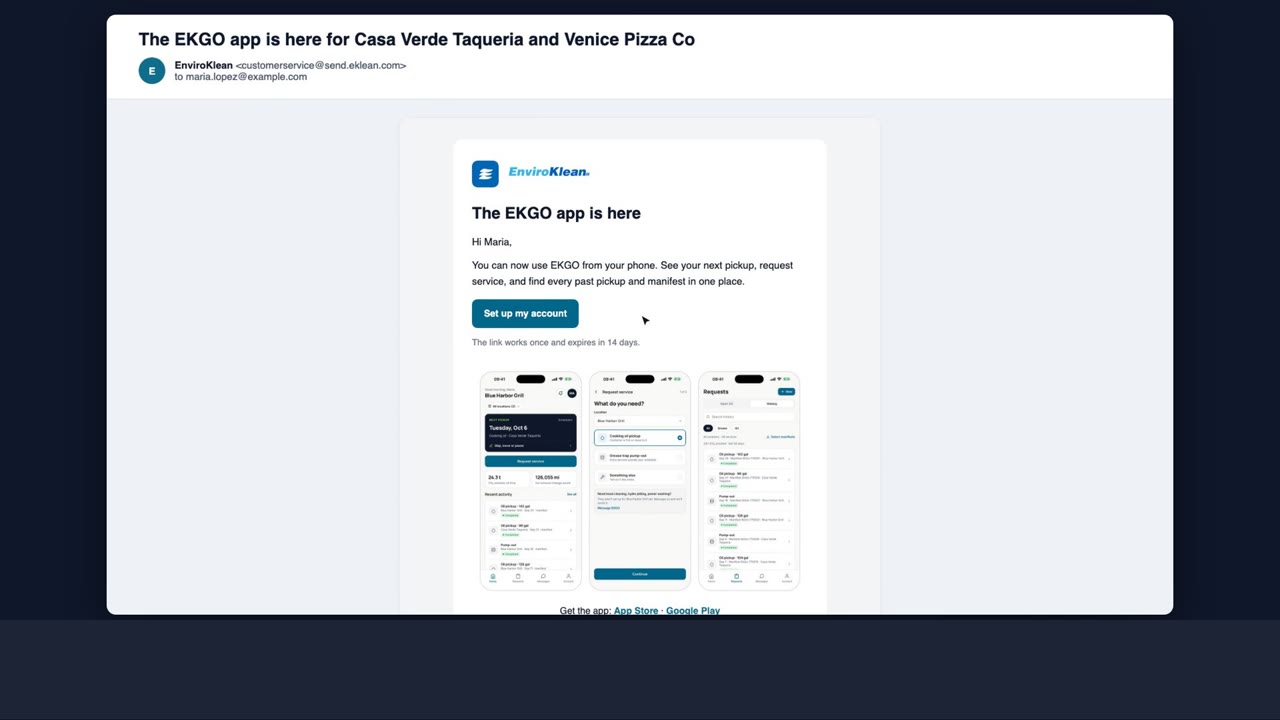
- 1Open the EKGO app, tap Requests at the bottom, then History.
- 2Every finished service is listed, newest first. Search by place, service or date, or tap a filter like Oil or Hood.
- 3Tap an oil or grease trap pickup to see the gallons and its manifest. Tap View or Download for the PDF.
- 4Hood cleaning, hydro jetting and repairs show their service report: what was done, with before and after photos. It is also emailed to you when the job is finished.
- 5Need several manifests at once, for an inspector? Tap Select manifests, pick them, and download one PDF.
- 6Invoices are under Account, Invoices. Open one to see the lines, the total and how to pay, and download the PDF.
- 7Account, Billing and receipts sets the email your receipts go to, and whether you get one after each service.
 11:19