Open the email, set a password, get the app and sign in. Then finish setting up your restaurant, request a service and message EnviroKlean.
Step by step
- 1Open the email from EnviroKlean that says the EKGO app is here, and press Set up my account. The link works once.
- 2Check the restaurants listed are yours. Pick a password of at least 8 characters, type it again, and press Create my account.
- 3Get the EKGO app. On a phone, tap Get the EKGO app. On a computer, scan the code with your phone camera.
- 4Open the app and tap Sign in at the bottom. Do not create a new account: yours already exists. Use your email and the new password.
- 5The first time, read the service terms, tick the box and tap Accept and continue.
- 6Finish setting up each restaurant: your oil container (size, inside or outside, and a photo), access details if the driver needs them, and whether another company collects your oil now. Then tap Save and continue.
- 7Turn on notifications so you know when your driver is on the way and when we reply.
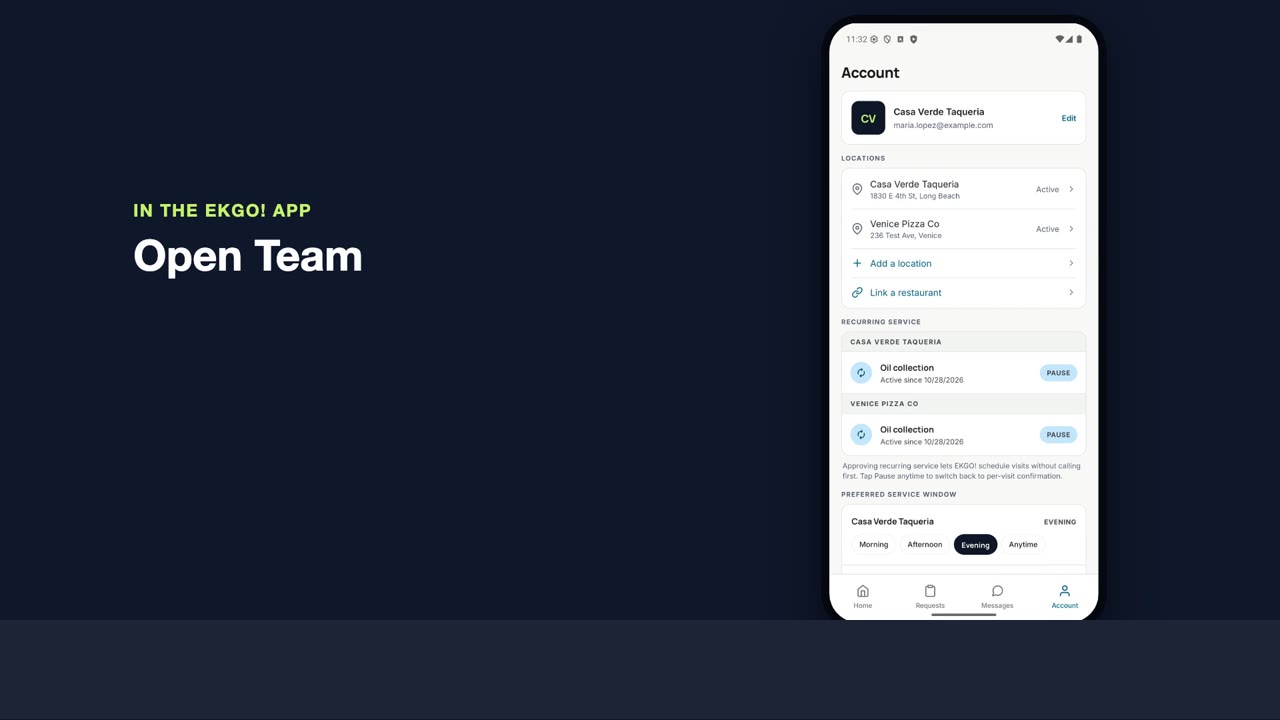
- 8Home shows your restaurant and next pickup. Tap Request service to book anything, Messages to write to us, and Account for your team, billing and invoices.
 2:03